Read what shipped in the fall 2026 release

Manage assets, maintenance and inspections on one map.

Work orders, field capture and a public request portal run on the same records. Aptli connects to the systems you already have, and whatever is authoritative today stays authoritative.

What it does

Enhance the intelligence of your records.

Asset register

Build capital plans from a register of assets carrying condition, replacement cost and criticality. It tracks assessment history and notifies the register's editors when maintenance comes due.

Work orders

Dispatch work and close it against the asset it was done on. Assign a staff member or an outside contractor who works from a revocable link. A rule opens the work order on a schedule, a meter reading or a condition threshold.

Service requests

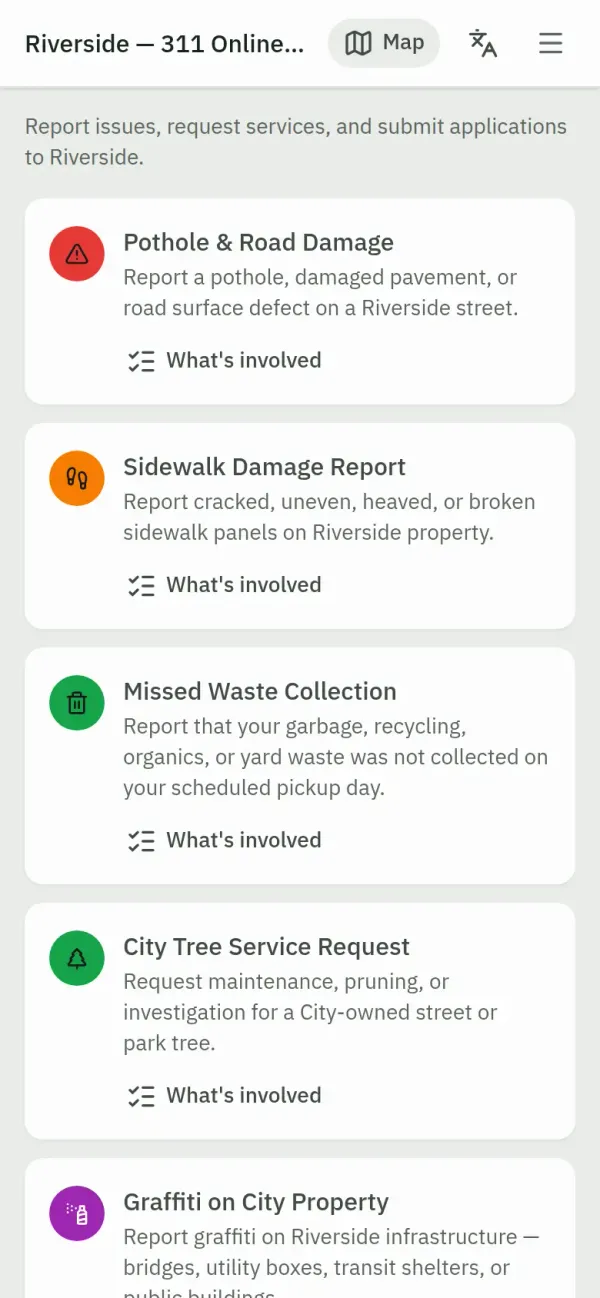
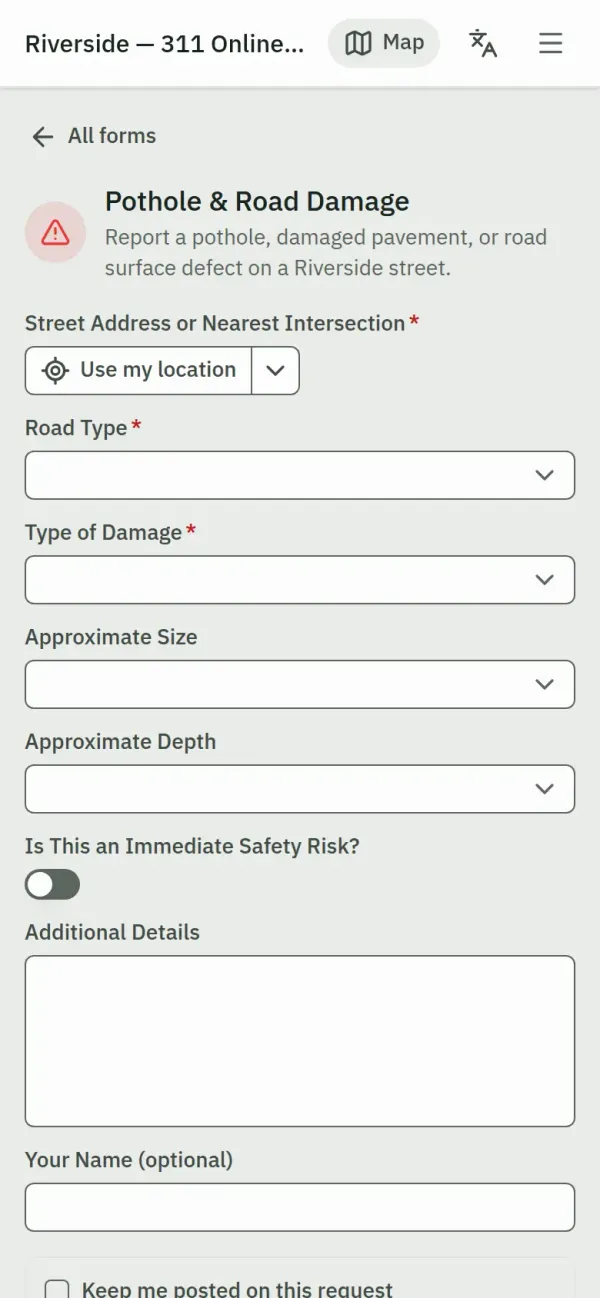
Publish custom forms and the map layers you choose, field by field, as a public portal. Anyone can submit a report with photos and a location without an account. One action turns a submission into a work order, and the submitter follows its status on a tracking page.

You keep your system of record

Read and write Postgres, SQL Server, ArcGIS, WFS-T and more, or poll your sources on a schedule. Build a schedule that extracts reports as JSON, CSV, GeoJSON, PDF, Excel or XML into a directory, bucket, SFTP server, endpoint or inbox. A change reaches a connected system after it passes its gate: staged edits and imports go through review and commit, and a completed inspection carries its reviewer's verdict.

Version control and approval

Review every proposed change against interactive collision detection before it enters the record. Send changes for approval, and the approver commits them or sends them back with a note. Each version carries an auditable history of who changed what and when. Restoring a committed version stages its previous state as a new draft that passes the same review.

Configured by your own administrator

Build your own forms, public portals and automation rules. Set branding, single sign-on, roles and permissions from the admin console. Bind a branded domain through a wizard and configure SAML by pasting your identity provider's metadata.

Residency you chooseOne instance and one database per customer in the jurisdiction you choose or on your own infrastructure
Accessibility supportBuilt and audited to WCAG 2.2 Level AA.
Backed up hourlyPoint-in-time recovery with a restore we test
Training and Assistant built inInteractive tours inside the app and an AI assistant that helps staff complete a record as they work
A work order open beside its project, with assignees, activity and material lines

Modules

Add the module for the work you do.

Every instance runs the same core: a versioned GIS map, a multi-stage approval queue, automations and integrations, import and export, mobile capture and AI chat. Modules switch on as you need them.

  • Assets and inventory holds the asset register, stock on hand and what the work consumes. A crew collects a whole trip with one scan at the counter.
  • Work management carries projects, jobs, work orders, reports and validations in one tree.
  • Service portal runs public forms, published map layers and a tracking page for every request. Submissions arrive in a triage queue.
Explore the product
A public website with a native map block

Pages, notices and events

Your own staff publish it, maps included.

One line of script puts the map, a form or an intake queue into your own website. Your data stays in your own instance and database. The portal also runs on your own domain. Aptli CMS is a separate product that runs the whole public website when you need one. Its map is a content block. An editor draws a feature straight onto the notice it belongs to.

  • Publish a page, a notice or an article the moment it is saved.
  • Translate every page and notice with one action. Each language is its own indexable page.
  • Existing pages, documents and friendly URLs come across, and redirects catch whatever moved. The content generates its own sitemaps and structured data. Search engines keep the pages they ranked.
Explore the CMS
The version manager, listing working versions and whether each one is in sync

Managing your data

Bring your data in, keep it intact, and control who changes it.

Your records arrive from the files and systems you already run. Every change after that is held for review before it lands.

  • Import CSV, Excel, Shapefile, File Geodatabase, GeoPackage and CAD files, with live datasets connecting both ways. Field definitions preview and duplicates resolve before anything commits. Crews keep capturing when the connection drops, and edits sync when it returns.
  • Field crews, imports and connected systems all write to the same records. Version management holds each change with its collisions flagged until an approver commits it. Your asset record stays intact. Restoring a committed version stages its previous state as a new draft that passes the same review.
  • Sign-on runs through SAML 2.0 or OIDC against your own directory, with multi-factor authentication on top. Rights are granted by record type and by operation, and the server refuses the query.
How records are controlled

Interested in learning more?

Send us a message or ask for a demo. We would be happy to hear from you.